> ## Documentation Index
> Fetch the complete documentation index at: https://docs.insforge.dev/llms.txt
> Use this file to discover all available pages before exploring further.
# Storage
> Store and serve large binary files.
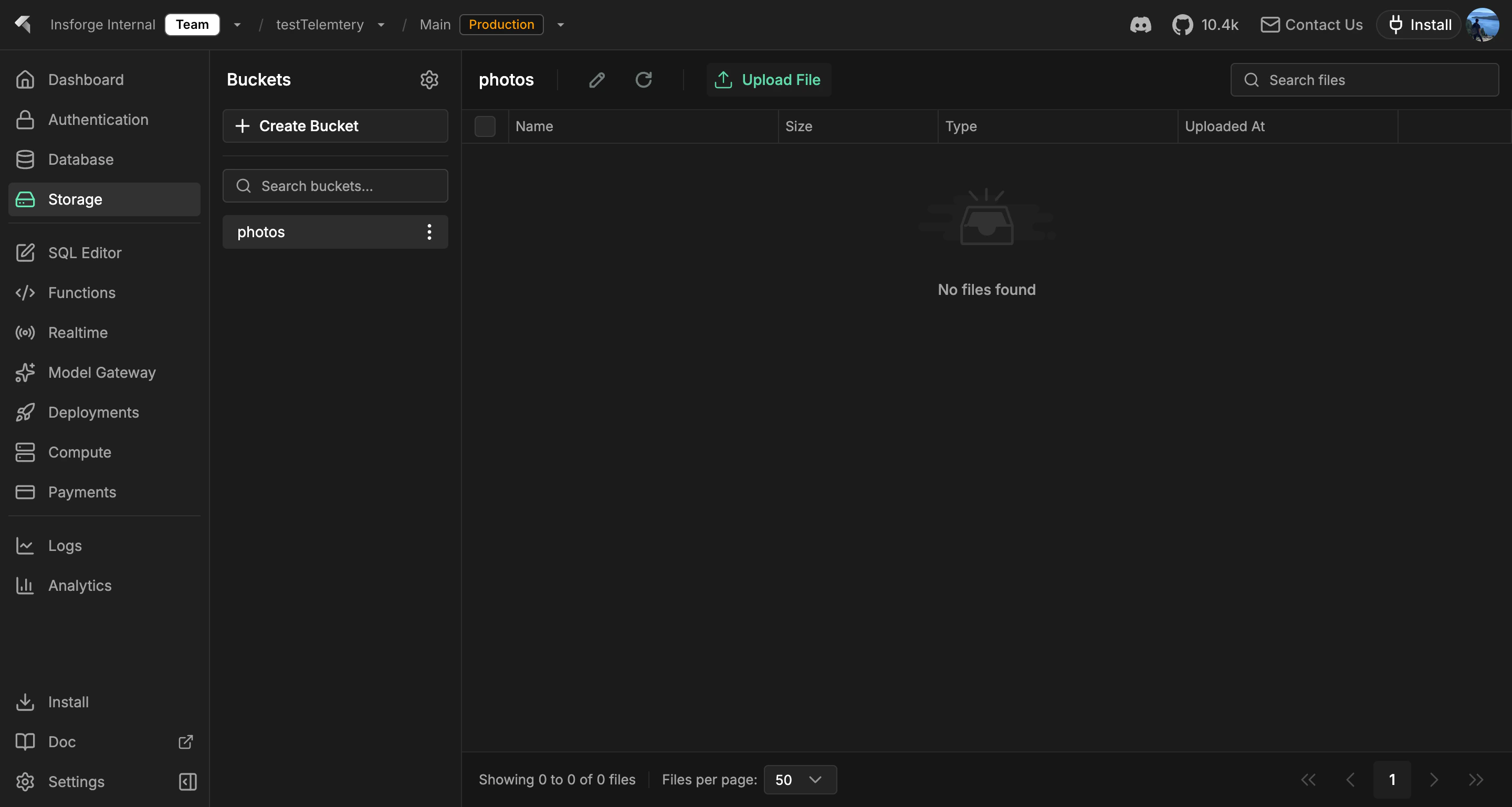
Use InsForge to store and serve large binary files: images, videos, PDFs, audio, backups, anything you would not put in a database row. Every project gets an S3-compatible bucket. Files are served behind signed URLs, access policies follow the same row-level security model as the database, and the S3 API works with rclone, the AWS CLI, Terraform, and SDKs in any language.
 **Looking for structured data?** Use [Database](/core-concepts/database/overview) for rows, relations, and queries. Storage holds objects; the database holds rows. Keep file metadata (owner, name, size, content type) in a database table and the bytes in storage.
```mermaid theme={null}
graph TB
Client[Client Application] --> SDK[InsForge SDK]
SDK --> StorageAPI[Storage API]
StorageAPI --> S3[AWS S3]
StorageAPI --> DB[(PostgreSQL)]
DB --> Metadata[File Metadata]
DB --> Buckets[Bucket Configuration]
S3 --> DirectUpload[Presigned URLs]
S3 --> SecureAccess[IAM Policies]
style Client fill:#1e293b,stroke:#475569,color:#e2e8f0
style SDK fill:#1e40af,stroke:#3b82f6,color:#dbeafe
style StorageAPI fill:#166534,stroke:#22c55e,color:#dcfce7
style S3 fill:#ea580c,stroke:#f97316,color:#fed7aa
style DB fill:#0e7490,stroke:#06b6d4,color:#cffafe
style Metadata fill:#0e7490,stroke:#22d3ee,color:#cffafe
style Buckets fill:#0e7490,stroke:#22d3ee,color:#cffafe
style DirectUpload fill:#ea580c,stroke:#fb923c,color:#fed7aa
style SecureAccess fill:#ea580c,stroke:#fb923c,color:#fed7aa
```
## Features
### S3-compatible API
Point any S3 client at your project's bucket. Native AWS credentials, native multipart uploads, native presigned URLs. See [S3 compatibility](/core-concepts/storage/s3-compatibility).
### Signed URLs
Generate time-limited URLs to share private objects without exposing your credentials. The SDK and REST API both issue signed URLs for upload and download.
### Row-level security
Storage policies read the same auth JWT as database queries. The same user who can `SELECT` a row can `GET` the file the row references, so you never maintain a separate set of storage permissions.
### Buckets
Group objects into buckets with separate access policies. Public buckets serve files directly over HTTPS; private buckets require a signed URL or an authenticated request.
### Direct uploads
Browser and mobile clients upload straight to storage with a presigned URL. The backend never proxies bytes.
## Concepts
Point any S3 client at your project's bucket with native credentials.
## Build with it
Upload, download, list, and manage objects from Node, browser, and edge.
Native Swift storage client for iOS and macOS.
Coroutines-first storage client for Android and JVM.
Plain HTTP storage endpoints, callable from any language.
## Next steps
* Set up the [CLI](/quickstart) to link your project (the recommended path).
* Browse the [TypeScript SDK reference](/sdks/typescript/storage) for uploads and downloads.
**Looking for structured data?** Use [Database](/core-concepts/database/overview) for rows, relations, and queries. Storage holds objects; the database holds rows. Keep file metadata (owner, name, size, content type) in a database table and the bytes in storage.
```mermaid theme={null}
graph TB
Client[Client Application] --> SDK[InsForge SDK]
SDK --> StorageAPI[Storage API]
StorageAPI --> S3[AWS S3]
StorageAPI --> DB[(PostgreSQL)]
DB --> Metadata[File Metadata]
DB --> Buckets[Bucket Configuration]
S3 --> DirectUpload[Presigned URLs]
S3 --> SecureAccess[IAM Policies]
style Client fill:#1e293b,stroke:#475569,color:#e2e8f0
style SDK fill:#1e40af,stroke:#3b82f6,color:#dbeafe
style StorageAPI fill:#166534,stroke:#22c55e,color:#dcfce7
style S3 fill:#ea580c,stroke:#f97316,color:#fed7aa
style DB fill:#0e7490,stroke:#06b6d4,color:#cffafe
style Metadata fill:#0e7490,stroke:#22d3ee,color:#cffafe
style Buckets fill:#0e7490,stroke:#22d3ee,color:#cffafe
style DirectUpload fill:#ea580c,stroke:#fb923c,color:#fed7aa
style SecureAccess fill:#ea580c,stroke:#fb923c,color:#fed7aa
```
## Features
### S3-compatible API
Point any S3 client at your project's bucket. Native AWS credentials, native multipart uploads, native presigned URLs. See [S3 compatibility](/core-concepts/storage/s3-compatibility).
### Signed URLs
Generate time-limited URLs to share private objects without exposing your credentials. The SDK and REST API both issue signed URLs for upload and download.
### Row-level security
Storage policies read the same auth JWT as database queries. The same user who can `SELECT` a row can `GET` the file the row references, so you never maintain a separate set of storage permissions.
### Buckets
Group objects into buckets with separate access policies. Public buckets serve files directly over HTTPS; private buckets require a signed URL or an authenticated request.
### Direct uploads
Browser and mobile clients upload straight to storage with a presigned URL. The backend never proxies bytes.
## Concepts
Point any S3 client at your project's bucket with native credentials.
## Build with it
Upload, download, list, and manage objects from Node, browser, and edge.
Native Swift storage client for iOS and macOS.
Coroutines-first storage client for Android and JVM.
Plain HTTP storage endpoints, callable from any language.
## Next steps
* Set up the [CLI](/quickstart) to link your project (the recommended path).
* Browse the [TypeScript SDK reference](/sdks/typescript/storage) for uploads and downloads.