

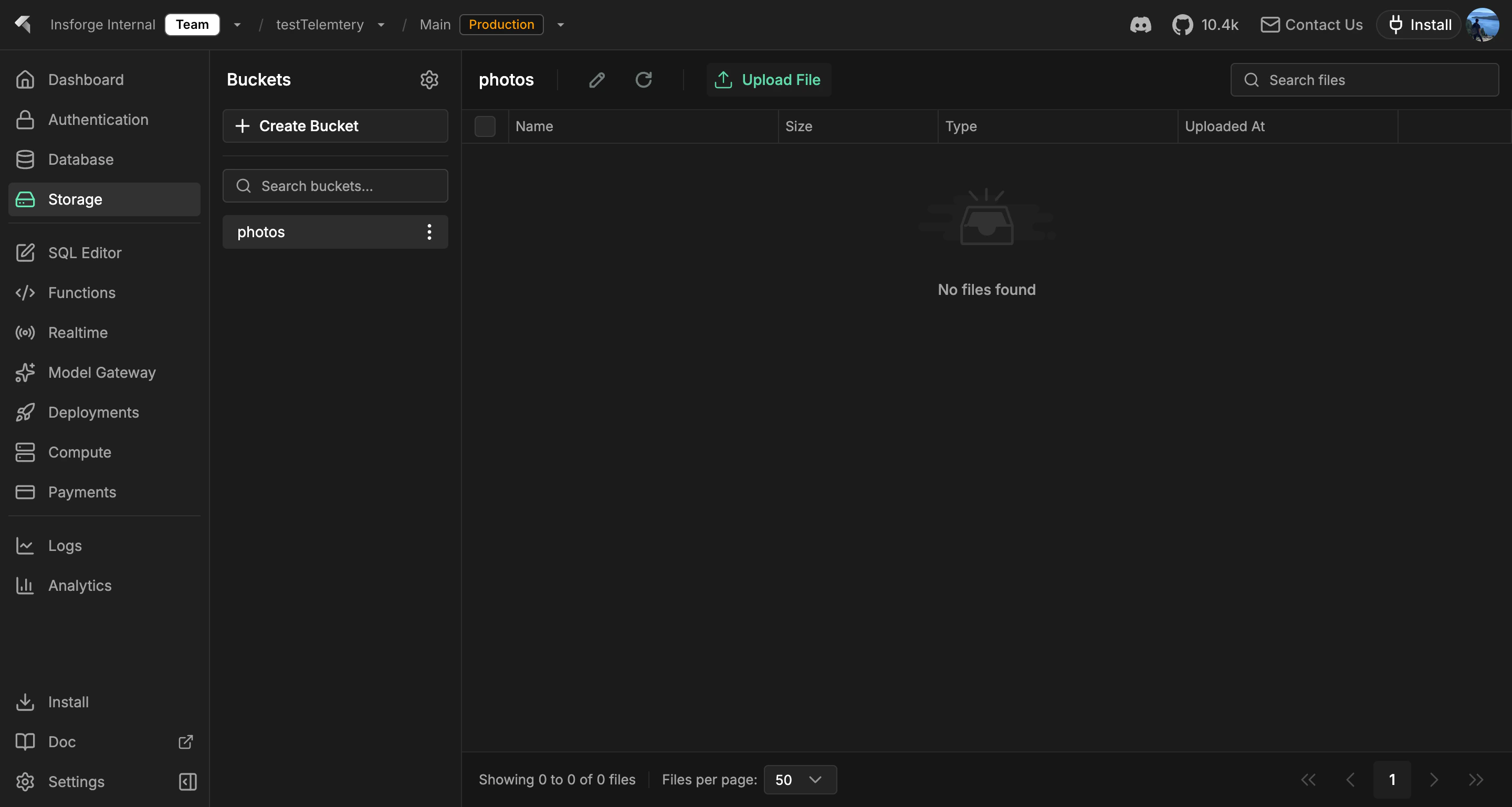
The storage browser: buckets, file listing, and uploads, all behind the same RLS as the database.
Looking for structured data? Use Database for rows, relations, and queries. Storage holds objects; the database holds rows. Keep file metadata (owner, name, size, content type) in a database table and the bytes in storage.
Features
S3-compatible API
Point any S3 client at your project’s bucket. Native AWS credentials, native multipart uploads, native presigned URLs. See S3 compatibility.Signed URLs
Generate time-limited URLs to share private objects without exposing your credentials. The SDK and REST API both issue signed URLs for upload and download.Row-level security
Storage policies read the same auth JWT as database queries. The same user who canSELECT a row can GET the file the row references, so you never maintain a separate set of storage permissions.
Buckets
Group objects into buckets with separate access policies. Public buckets serve files directly over HTTPS; private buckets require a signed URL or an authenticated request.Direct uploads
Browser and mobile clients upload straight to storage with a presigned URL. The backend never proxies bytes.Concepts
S3 compatibility
Point any S3 client at your project’s bucket with native credentials.
Build with it
TypeScript SDK
Upload, download, list, and manage objects from Node, browser, and edge.
Swift SDK
Native Swift storage client for iOS and macOS.
Kotlin SDK
Coroutines-first storage client for Android and JVM.
REST API
Plain HTTP storage endpoints, callable from any language.
Next steps
- Set up the CLI to link your project (the recommended path).
- Browse the TypeScript SDK reference for uploads and downloads.